
Habit tracker
A habit tracker that plans the habit, not just the checkbox
An empty habit tracker is a test of discipline you haven't built yet. You add nine habits on Sunday, complete six on Monday, three on Wednesday, and delete the app by the following weekend.
Liftora starts one step earlier. The AI coach plans the habit — size, timing, anchor, minimum version — not just the checkbox, and only then does the tracking begin.
Available on iOS & Android · Free download with in-app purchases
Daily habit tracking, built for real weeks
Track anything from a two-minute stretch to a ninety-minute deep-work block. Each habit gets a schedule, a reminder at a time you're likely to act, and a completion ring that fills as the week goes on. The design assumption is that your week will go wrong somewhere — a late meeting, a sick kid, a bad night's sleep. A tracker that only works on perfect weeks is a toy; this one is built for the median Tuesday. The free tier is enough to run two or three serious habits indefinitely, which is the right number to start with anyway.
- Unlimited habits on Premium, generous free tier to start
- Streaks with freezes so one lost day doesn't erase months
- Flexible frequencies — daily, weekday, or three times a week
- XP and rewards for the boring stretch between milestones
Habit tracking that connects to your day
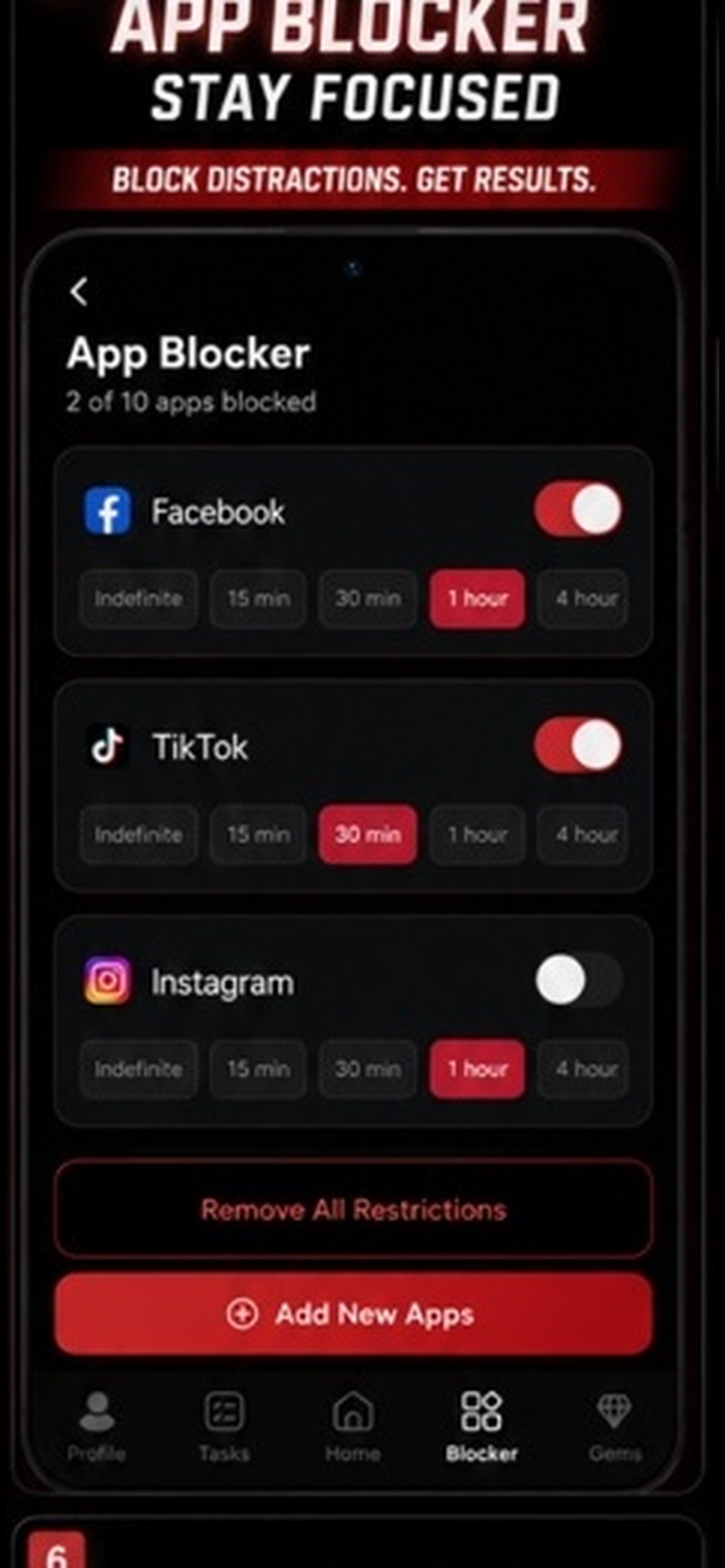
A habit list living separately from your calendar is a wish list. In Liftora the habit is placed inside the day plan, so 'gym' isn't floating somewhere in the future — it's at 18:30, after work, with your usual distractions blocked from 18:15. That connection also runs backwards. When the day plan changes — a meeting lands on your gym slot — the habit moves with it instead of silently failing, and the streak survives the reshuffle. This is also why the reminder fires when it does — tied to the slot in your plan, not a generic 9am ping you'll swipe away.
What the numbers tell you after a month
The weekly recap shows your completion rate per habit, your best and worst days, and the trend line for each streak. Almost everyone finds a surprise in there — a habit they were sure they were nailing at 40%, or a Thursday problem that explains half their misses. The patterns are usually actionable in a way feelings aren't. 'I miss habits scheduled after 8pm' is a design fix, not a character flaw — move the slot and the problem shrinks. A month of data usually suggests one or two concrete changes — move this habit earlier, shrink that one — and acting on them is where the completion rate jumps.
Acting on that is what separates habit tracking from habit theatre.
Choosing a habit tracker
If you want a pure checkbox grid, plenty of simple trackers do that well and cost nothing. Liftora is a better fit if the hard part for you is deciding what the habit should be, keeping it scheduled, and not losing the evening to your phone before you get to it — because coaching, planning and blocking are in the same app rather than three. The honest test is what happens in week three, when novelty is gone. If the app is still shaping your behaviour then — still shrinking habits, still protecting streaks, still blocking your 11pm scroll — it's doing the job a tracker should.
Frequently asked questions
- Is Liftora's habit tracker free?
- Yes — habit tracking, streaks and AI planning are free on iOS and Android. Premium adds unlimited habits, streak freezes and advanced coaching.
- Can I track habits that aren't daily?
- Yes. Habits can be daily, weekday-only, or a target number of times per week, and the streak logic follows the schedule you set.
- Does it work on iPhone and Android?
- Both, with sync between them, so switching phones or using a work Android and a personal iPhone doesn't break your record.
- What makes it different from a checklist app?
- The coach designs and schedules the habit, the planner puts it into your day, and app blocking protects the window it's supposed to happen in. A checklist only records the outcome.
Keep reading
Try Liftora free
AI coaching, habit tracking, goals, routines and app blocking in one app. Check your store for current prices and feature availability.