
AI productivity coach
An AI productivity coach for days that don't get away from you
Productivity is often a question of what to do next, not how to do more. A deadline, an unanswered email and a personal errand can all feel urgent while the important task stays unopened.
Liftora is an AI coach app for discussing those competing demands and choosing a practical next step. Its productivity coaching connects guidance with tasks, routines, habit tracking and supported app blocking. You provide the priorities and constraints; everyday accountability means choosing a commitment and reflecting on what you record.
Available on iOS & Android · Free download with in-app purchases
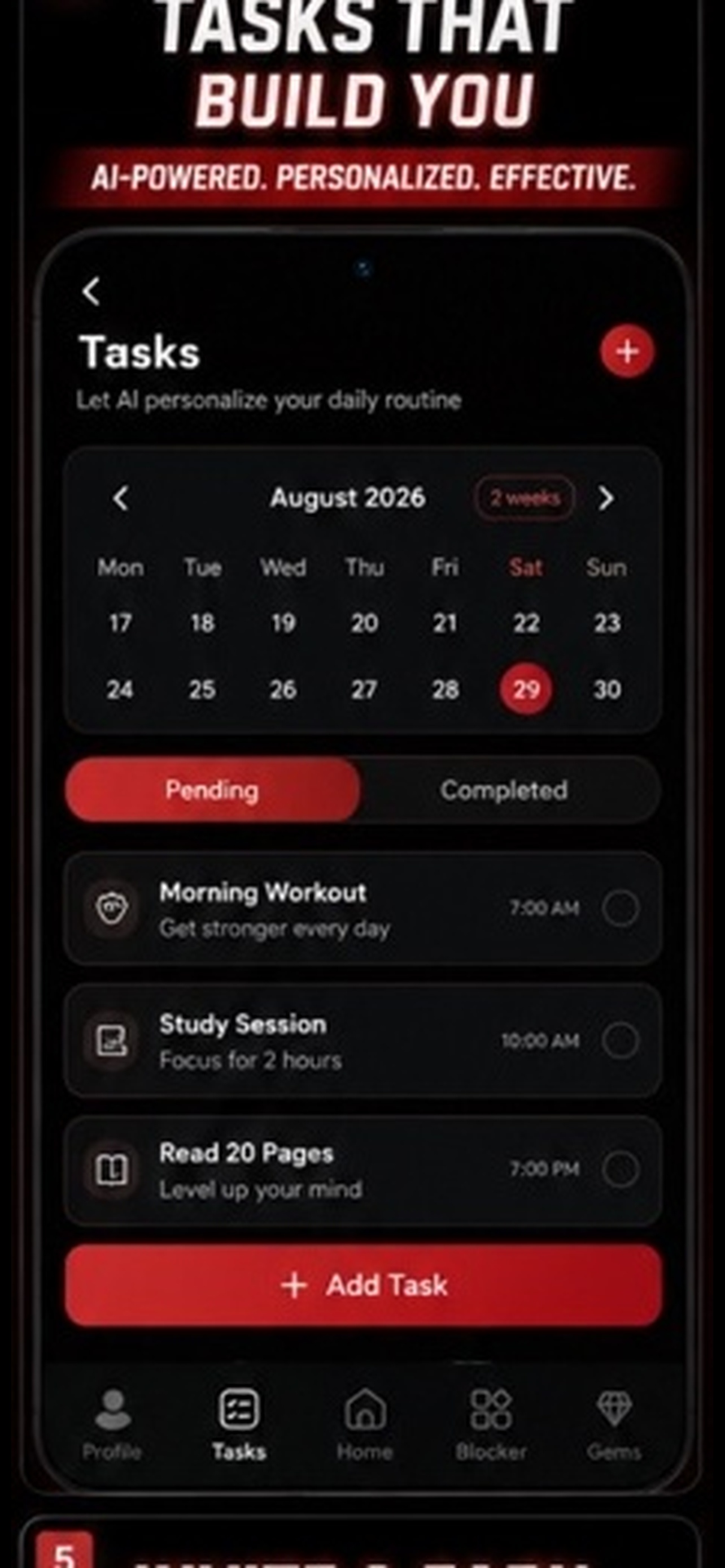
Put the competing tasks in one place
Tell Liftora what needs doing and which commitments already have a time attached. A freelancer might describe a client deadline, an invoice and an afternoon appointment. A parent might include school pickup alongside work and errands. These are illustrative requests, not verified customer outcomes.
The useful change is moving from remembering the entire list to reviewing an organized plan. Check that the proposed tasks fit your actual responsibilities before relying on it.
- Describe tasks by voice or text
- Include deadlines and fixed commitments
- Choose which priority needs your attention first
- Use routines for work that repeats
Protect a piece of time for the work
Once you know the next task, consider what usually interrupts it. Liftora includes app blocking for distracting apps alongside planning. Check the current listing for your device’s available controls rather than assuming every blocking mode works identically across platforms.
A protected stretch of time is still yours to use. The app cannot guarantee a finished project, enforce a client deadline or account for every interruption outside your phone.
Review the actions, not an imagined perfect day
Use the tasks and habits you record as the starting point for reflection. What did you complete? What still needs a place? What was unrealistic about the plan? Bring those details to the coach if you want help choosing the next step.
This does not require a claim that the app automatically measures every hour or knows your best time of day. Clear inputs and an honest record are more useful than pretending the software can see everything.
A plan should include life outside work
The workday has boundaries even when there is no manager to set them. Include the appointment, meal or family responsibility when you describe the day, not only the client tasks. Otherwise the plan starts from time you do not really have.
Liftora is a place to organize those demands together. It supports your decisions; it does not choose your priorities for you or promise that productivity will solve exhaustion.
Frequently asked questions
- What does an AI productivity coach do?
- It uses AI guidance to help organize priorities and choose practical actions. Liftora connects that coaching to tasks, routines, habit tracking and app blocking.
- How is Liftora different from a to-do list?
- Liftora offers voice and text coaching alongside task planning and habit tracking. You can discuss how to approach the work as well as keep a record of it.
- Is Liftora a treatment for ADHD?
- No. Liftora is an organization and coaching app, not a medical treatment. Consult a qualified professional for assessment or care.
- Can I plan around client deadlines?
- Yes: include deadlines and other commitments in your planning request, then review the suggested next steps. You remain responsible for the plan and for meeting the deadline.
Keep reading
Try Liftora free
AI coaching, habit tracking, goals, routines and app blocking in one app. Check your store for current prices and feature availability.